















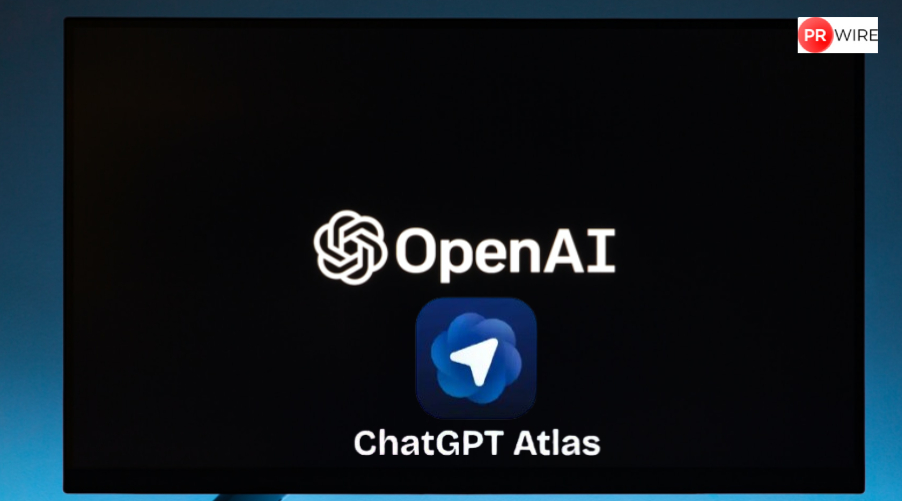
OpenAI has launched an AI-powered browser, ChatGPT Atlas with AI agent and browser memory mode.
The AI-powered browser race continues as OpenAI on Tuesday launched ChatGPT Atlas, an AI browser that helps people browse the internet, but in a smarter way. Reportedly, the AI browser can work similarly to Google’s AI Mode, but it features an entirely new interface, making it even more interesting thanks to the ChatGPT integration within the browser. ChatGPT Atlas can perform several tasks, such as summarising page content, answering questions, comparing products, and much more. Here’s everything you need to know about OpenAI’s new Chrome and Safari rival, ChatGPT Atlas.
ChatGPT Atlas: What makes it unique?
As if ChatGPT were not enough to dominate the AI market, OpenAI has now introduced an AI-powered browser called ChatGPT Atlas. The company claims that a browser built with ChatGPT could help it create a “super-assistant”, one that not only understands users’ requirements but also helps them achieve their goals.
Since ChatGPT is integrated directly into the browser, there is a dedicated “Ask ChatGPT” sidebar that activates the smarter side of the AI browser. Users can ask questions or make queries without leaving the app or website. Atlas has a traditional browser interface with quick-access tabs, but the ChatGPT sidebar remains available for users to carry out intelligent tasks.
So, what exactly can it do? Well, ChatGPT Atlas can summarise, compare, find content, check code, and much more, since it understands what users are browsing. In addition, the tool is integrated with OpenAI’s AI agent, which can perform tasks on the user’s behalf, such as making restaurant bookings, ordering or purchasing groceries, editing writing, and more.
What makes ChatGPT Atlas even more special is its browser memory feature, which helps the AI browser become more personalised and intelligent over time. OpenAI said, “Browser memories let ChatGPT remember context from the sites you visit and bring that context back when you need it.”
ChatGPT Atlas: 3 use cases
- Answer question and summarise content: ChatGPT can access the browser content, including web pages, PDFs, and documents. Therefore, it can instantly understand what the user is doing, and help take away the user’s doubts, providing additional knowledge, or simply help understand contexts in a summarised way.
- Programming tasks: Within the ChatGPT Atlas interface, the user can help with programming tasks such as generating a code snippets, help you learn advanced programming terms and codes, and more.
- Perform tasks on the user’s behalf: As mentioned above, ChatGPT Atlas comes integrated with OpenAI’s new AI agent. This agent can help users make restaurant reservations or order groceries based on provided recipes, etc.
ChatGPT Atlas availability
ChatGPT Atlas is initially rolling out for macOS. The company says versions for Windows, iOS, and Android will follow later. In addition, ChatGPT Atlas will be available to all users, including those on the free ChatGPT plan. However, the AI agent mode within the browser will be exclusive to Plus and Pro users.
The article originally appeared on Hindustan Times