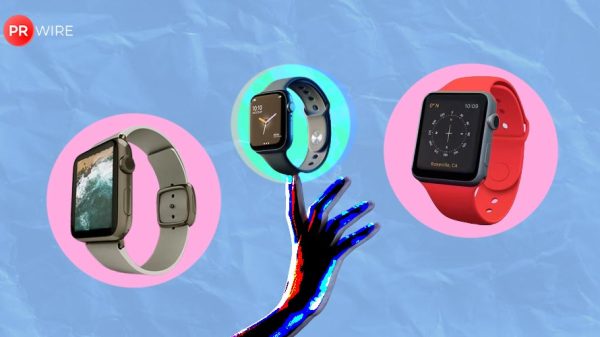















Here’s how to set up hypertension alerts on your Apple Watch, track long-term blood pressure trends, and stay informed about your heart health.
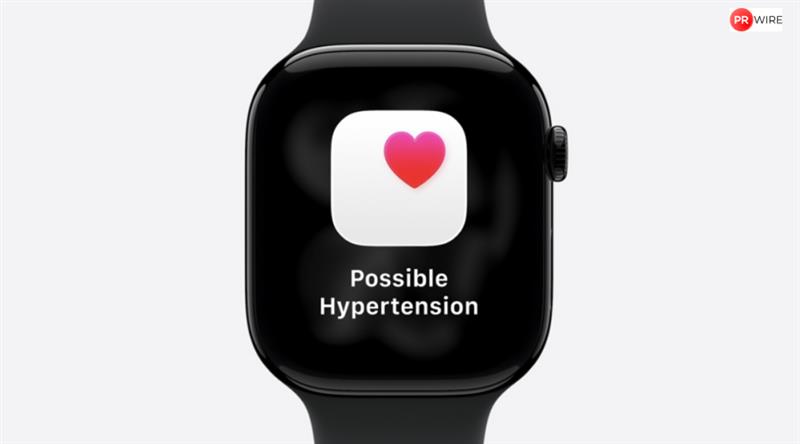
Apple continues to expand the Apple Watch’s health features, moving beyond basic fitness tracking to provide insights that may signal potential health concerns. One such feature is hypertension alerts, which notify users when patterns suggest higher blood pressure over time. While the watch cannot directly measure blood pressure, these alerts can highlight trends that may require attention from a healthcare professional.
What Hypertension Alerts Do
Hypertension alerts monitor long-term patterns rather than single readings. The Apple Watch collects data such as heart rate, activity levels, and other metrics stored in the Health app over 30 days. It then analyses these trends for changes that align with elevated blood pressure.
If the system detects a sustained pattern, it sends a notification. These alerts do not diagnose hypertension or replace medical testing – they are intended to raise awareness of potential changes.
Also read: Apple MacBook Pro with new M-series chips could debut this month: Report
Who Can Use Hypertension Alerts
The feature is available on Apple Watch Series 9, Apple Watch Ultra 2, or later models, paired with iPhone 11 or newer. Users must be 22 or older, not pregnant, and not previously diagnosed with hypertension. Wrist Detection must be enabled, and the Health app must contain up-to-date personal information. Alerts appear only after sufficient data is collected over time.
Also read: Apple CEO Tim Cook reveals how millions are engaging with Apple Intelligence
View this post on Instagram
How to Turn On Hypertension Alerts
- Open the Health app on your paired iPhone.
- Tap your profile in the top corner.
- Select Health Checklist from the list of features.
- Tap Hypertension Notifications and confirm your age and health status.
- Follow the on-screen prompts to understand how the alerts work.
- Tap Done to enable the feature.
Once enabled, the Apple Watch runs the monitoring automatically in the background.
Also read: Vivo V70 and V70 Elite set to launch in India soon with Snapdragon chipsets – All details
How to Manage Alerts
Users can see notifications on both the watch and iPhone. You can adjust where and how they show up in the Health app settings. While the watch does not display exact blood pressure numbers, it provides context and guidance for next steps.
How to Use Alerts Wisely
Hypertension alerts can help identify subtle changes early, prompting home monitoring or a check-up with a doctor. They should be treated as informational and not a replacement for a professional evaluation.
The article originally appeared on Hindustan Times