















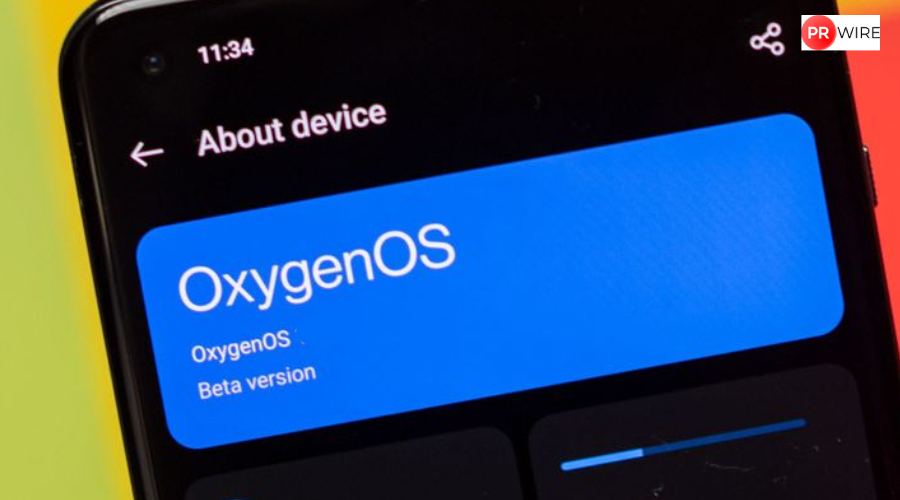
OnePlus has started rolling out OxygenOS 16 in India. Check the eligible devices list, the release schedule and how to download.
OnePlus has started rolling out its latest software update, OxygenOS 16, in India. The company announced that the new version of its custom operating system, built on Android 16, will bring performance improvements, a redesigned interface, and new AI-based features. The update rollout will occur in stages, starting with recent flagship devices before expanding to older phones and tablets.
The launch of OxygenOS 16 coincides with the release of the OnePlus 15, which will debut in India on November 13. The device will be the first to be powered by Qualcomm’s Snapdragon 8 Elite Gen 5 processor and come pre-loaded with OxygenOS 16. However, the update will not remain exclusive to the new model, as several existing devices are also scheduled to receive it over the coming weeks.
Also read: OnePlus 15 price in India tipped online ahead of November 13 launch: Here’s what to expect
OxygenOS 16: Rollout Schedule and Supported Devices
According to OnePlus, the first batch of devices to receive OxygenOS 16 includes:
- OnePlus 13 and OnePlus 13s: November 1
- OnePlus 13R, OnePlus 12, OnePlus Pad 3, and OnePlus Pad 2: November 5
- OnePlus Open: November 7
- OnePlus 12R: Later in the month.
Also read: Google Search hacks: 4 Features most users don’t know
In December, the update will reach devices in the OnePlus 11 series and selected Nord models. According to available information, the broader list of supported devices includes:
- Flagship Series: OnePlus 13, 13s, 13R, 13T, 12, 12R, 11, and 11R
- Nord Series: OnePlus Nord 3, Nord 4, Nord 5, and Nord CE 4
- Foldables & Tablets: OnePlus Open, OnePlus Pad, Pad 2, and Pad 3
Some older models, including the OnePlus Nord 2, Nord 2T, and Nord 2 Lite, will not receive the OxygenOS 16 update.
View this post on Instagram
OxygenOS 16: Installation and Update Guidelines
OnePlus advised users to follow certain steps to ensure a smooth update process. Devices should have at least 30 percent battery and several gigabytes of free storage before installation.
To check for availability, users should navigate to Settings > System & Updates > Software Update and select ‘Check for updates’.
Also read: GTA 6 PC release could take years, might not arrive until 2028
Since the rollout is happening in phases, availability may vary based on region and carrier. Users are advised to back up important data such as photos, messages, and contacts before installing the update. OnePlus also recommends downloading the update over a stable Wi-Fi connection to avoid potential interruptions.
After installation, users should review system permissions and monitor performance to ensure optimal function. The company stated that some new features may take time to adapt to, as the update includes deeper AI integration and changes to system management.
The article originally appeared on Hindustan Times